
Quick Answer: The Samsung T7 Shield Check price is the best external SSD for most people who need dependable backups and a portable game library. The Samsung T9 Check price is the stronger performance pick for faster USB-C ports and large file transfers. The SanDisk Extreme PRO Portable SSD Check price is the premium option for creators and players who need a fast, rugged drive. Check current prices, because capacity discounts often change which model is the better buy.
An external SSD works especially well when your gaming laptop or console storage is full, but it should fit the rest of the setup too. A stable connection matters for online play, so see our best WiFi router for gaming with low ping. For a compact PC desk, our best gaming desk with cable management can help keep the drive cable accessible rather than hanging off the back of the PC. Competitive players can also compare wired vs wireless gaming mouse latency when planning a complete setup.
Table of Contents
Why You Can Trust This Guide
We compared these drives around the decisions that matter outside a benchmark chart: port compatibility, sustained large-file work, portability, physical protection, backup convenience, and how practical each drive is beside a PC, console, or laptop. Specifications and compatibility claims were checked against Samsung and SanDisk product materials. We did not assume that the fastest-rated drive is automatically the best choice, because many laptops and consoles cannot use its full interface speed.
Best Overall: Samsung T7 Shield
Best Overall Samsung T7 Shield
Use-Case Evaluation: Best for a mixed gaming-and-backup routine where the drive moves between a desktop, laptop bag, console area, and home office without needing a delicate case.
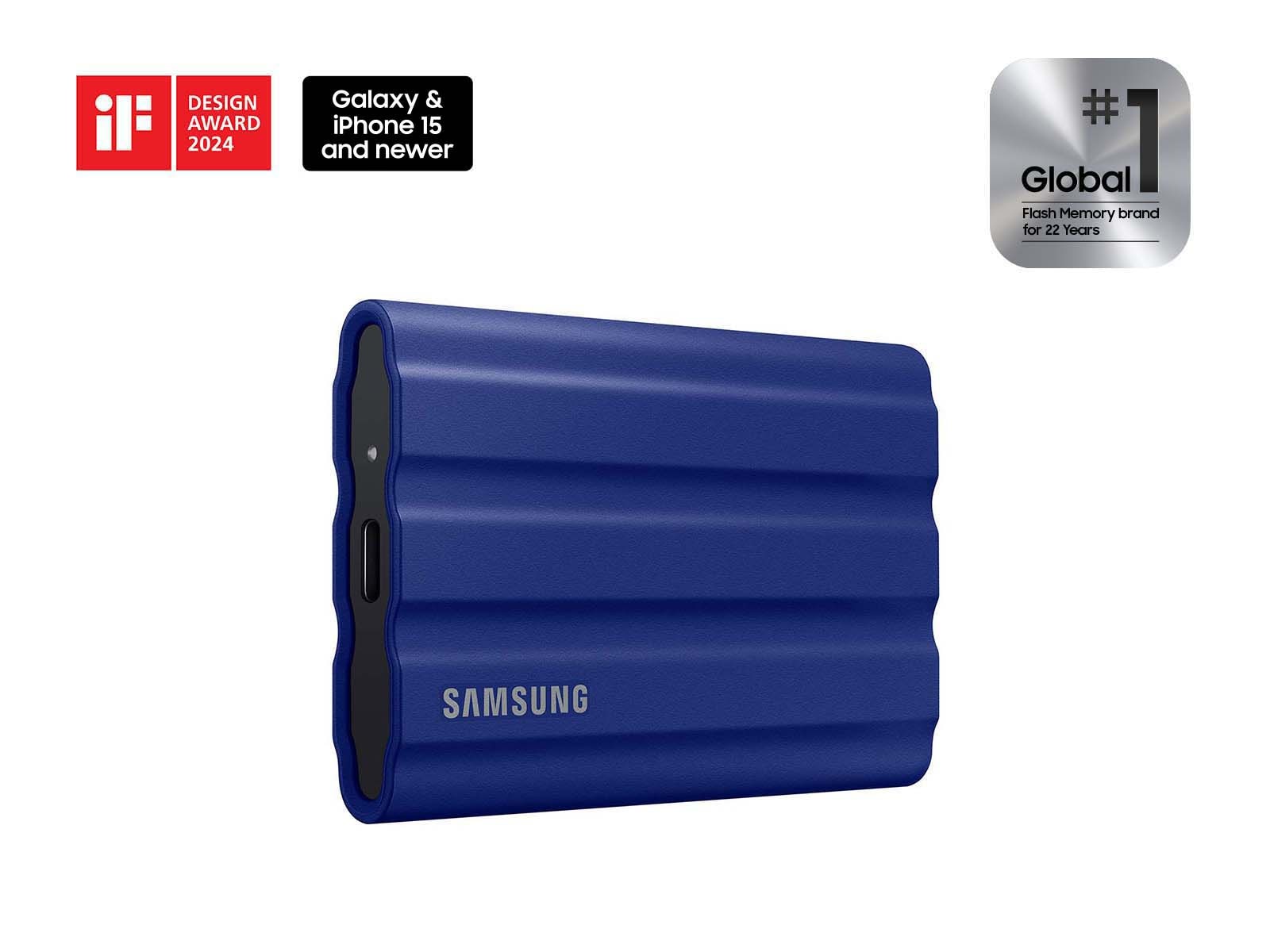
Image: manual
The Samsung T7 Shield is the practical pick for most buyers because it balances USB 3.2 Gen 2 performance with a compact, grippy body designed for real travel. Samsung lists sequential read speeds up to 1,050 MB/s and write speeds up to 1,000 MB/s, along with IP65 dust and water resistance. That is plenty for copying game captures, a photo library, school files, or a PC backup without paying for speed your device cannot use.
For gaming, it is best used as a game-library or backup drive rather than an assumed direct-play upgrade for every console. Check your platform’s storage rules first. On a PC, the small size makes it easy to keep a rotating library of less frequently played games or move recordings between machines.
Drawbacks: USB 10Gbps limits its peak performance compared with faster 20Gbps and USB4 models, the rubber exterior can collect dust, and the included cable may be short for a desktop tucked under a desk.
Who should skip this: Skip it if your computer has a proven 20Gbps or USB4 port and you regularly move very large video projects, because a faster model can save meaningful time.
Best Fast Transfer Pick: Samsung T9
Best Premium Samsung T9
Use-Case Evaluation: Best for a creator or PC gamer who copies large game captures, edits video from an external drive, or frequently moves a sizeable library between fast USB-C computers.
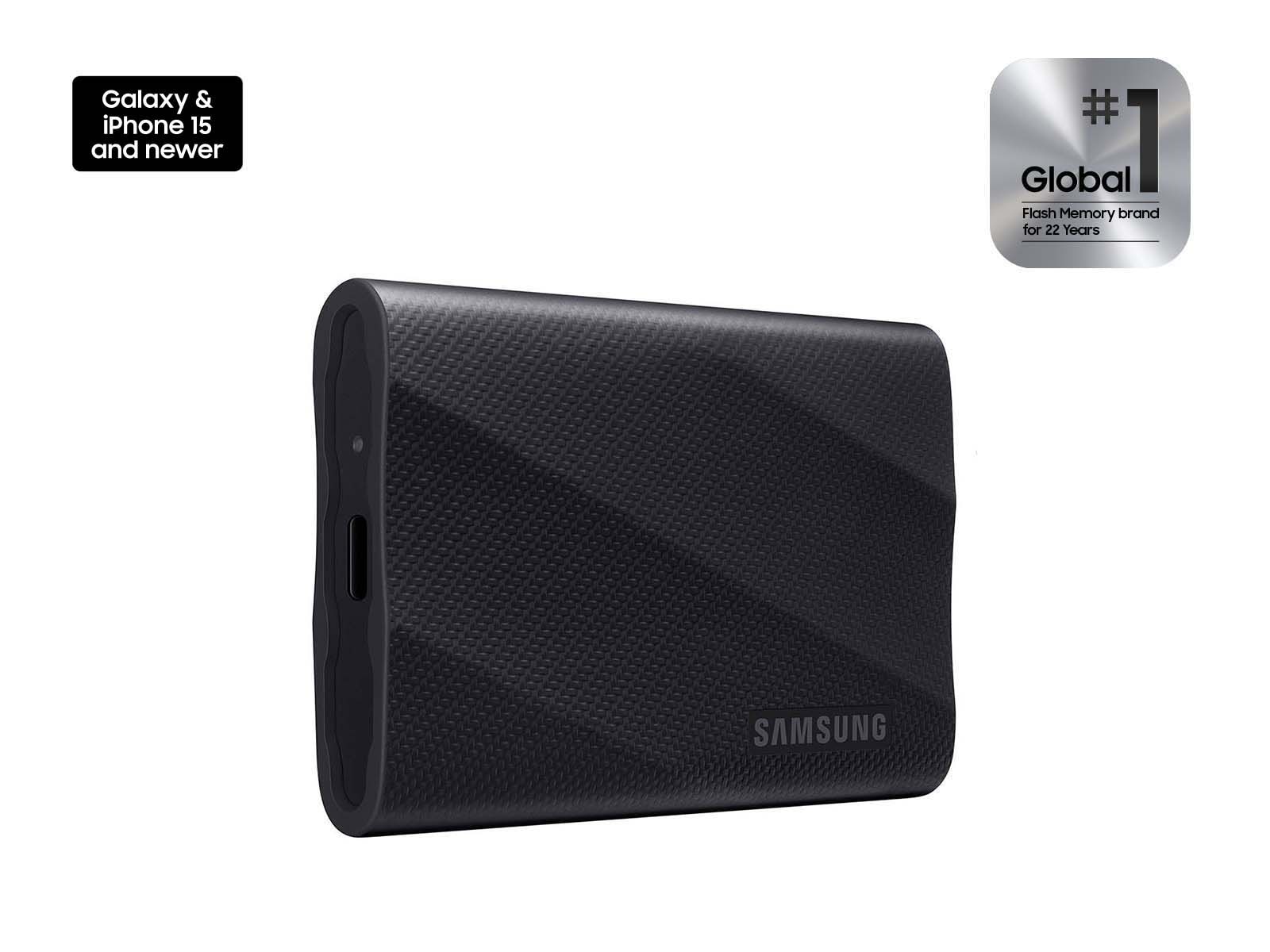
Image: manual
The Samsung T9 targets buyers whose computer can take advantage of USB 3.2 Gen 2×2. Samsung rates it for sequential read speeds up to 2,000 MB/s, placing it in a faster class than a 10Gbps portable SSD under the right conditions. Its compact, textured body and included USB-C cable make it a practical drive to carry with a laptop.
That extra headroom is most valuable for big backups, high-bitrate captures, and frequent transfers of installed PC games. It is less compelling on a laptop with only a 10Gbps USB-C port, where the interface becomes the bottleneck. Before paying extra, check the exact port specification rather than assuming every USB-C port is equally fast.
Drawbacks: many PCs do not support USB 3.2 Gen 2×2 at full speed, it can cost more per terabyte, and peak performance is less important for simple document backups.
Who should skip this: Skip it if you only need overnight backups or your computer tops out at 10Gbps; the T7 Shield often delivers better value in that situation.
Best for Premium Portable Storage: SanDisk Extreme PRO Portable SSD
Best Value: SanDisk Extreme PRO Portable SSD
Use-Case Evaluation: Best for buyers who want a rugged high-speed portable drive for a gaming PC, photography kit, or travel workflow and are willing to confirm the current model and firmware support before purchase.
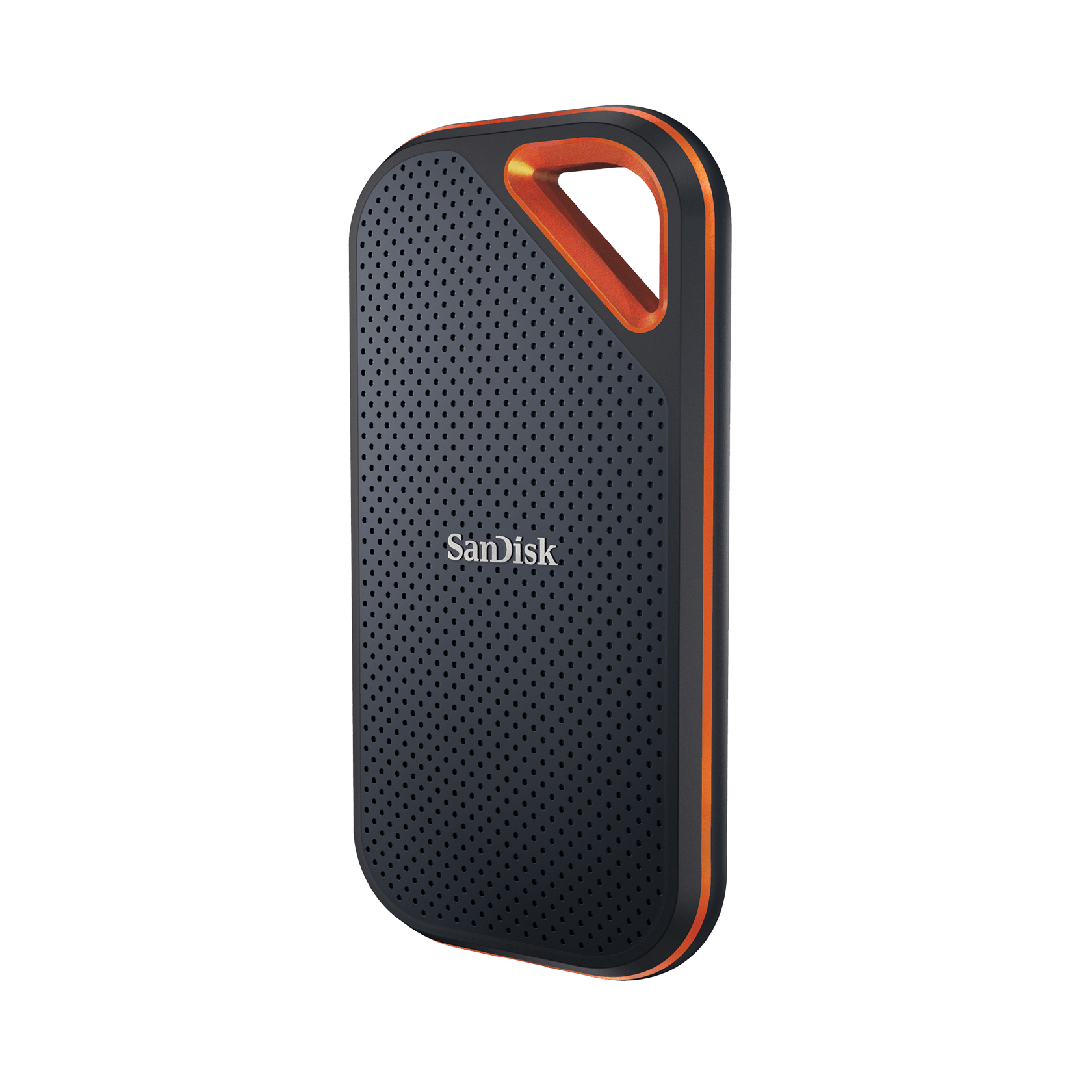
Image: manual
The SanDisk Extreme PRO Portable SSD is aimed at heavier portable workflows, with a forged-aluminum chassis, a carabiner loop, and a rugged design. Its exact interface and advertised performance vary by generation, so confirm the specific capacity and revision on the official listing before comparing it with the other two drives. That small check matters more than a headline speed number.
It is a compelling option for players who also shoot video or move large capture files. The loop is genuinely useful when the drive travels in a camera bag or clips near a laptop station. For ordinary weekly backup, however, its premium positioning may not be necessary.
Drawbacks: product generations can be easy to confuse, it may be more expensive than needed for a casual game library, and buyers should apply any vendor firmware updates recommended for their exact model.
Who should skip this: Skip it if you want the simplest no-research purchase or only need a modest drive for documents and occasional backups.
Comparison Table
| External SSD | Best For | Interface Class | Practical Strength | Main Trade-Off |
|---|---|---|---|---|
| Samsung T7 Shield | Everyday backup and portable game libraries | USB 10Gbps | Rugged, simple, widely compatible balance | Lower peak speed than faster-port options |
| Samsung T9 | Fast USB-C transfers and large captures | USB 20Gbps | Faster transfers when the host port supports it | Many computers cannot reach its full speed |
| SanDisk Extreme PRO Portable SSD | Premium travel and creator workflows | Varies by generation | Rugged build and high-end options | Confirm the specific revision and firmware |
How to Choose an External SSD for Backup and Gaming
Start with the port on your actual device. USB-C describes the connector, not the speed. A 20Gbps drive connected to a 10Gbps laptop will still work, but it will not deliver its full transfer rate. For a home office PC, check the motherboard manual; for a laptop, check the manufacturer’s technical specifications.
Capacity comes next. A 1TB drive can be enough for documents, photos, and a small rotating game library. A 2TB or 4TB option makes more sense when you retain game captures, multiple PC backups, or large modern games. Do not fill any SSD completely; leaving working space helps it manage large writes more comfortably.
For console use, confirm the current platform rules. An external SSD can be excellent for storing compatible games and moving titles, but it may not run every current-generation game directly from external storage. For a shared apartment, dorm, or work-and-play desk, prioritize a short cable run, a stable place for the drive, and backups you will actually remember to make.
FAQ
Is an external SSD fast enough to play PC games from?
Usually, yes, when it is connected to a suitably fast USB port and the game is supported by your PC. Load times can vary by game and connection. Treat it as a convenient game library, but keep your most-played competitive games on the internal drive if you want the simplest performance setup.
Does a USB-C external SSD work with a PS5 or Xbox?
It can work for storage and some compatible games, but console rules differ by generation. Check the console manufacturer’s current storage guidance before buying, especially if you expect to play current-generation titles directly from the drive.
Is 1TB enough for backup and gaming?
It is enough for documents, photos, and a rotating selection of games. Choose 2TB or more when you back up a whole computer, keep lots of video, or do not want to continually delete older games. Capacity sales are common, so compare the current price per terabyte.
Should I buy the faster Samsung T9 if my laptop only has ordinary USB-C?
Not necessarily. Confirm whether the port supports USB 3.2 Gen 2×2. If it only supports 10Gbps, the Samsung T7 Shield can be the better value because the laptop will cap the faster drive anyway.
Are portable SSDs durable enough for travel?
A rugged-rated model is a good starting point, but no portable drive is indestructible. Use the included cable carefully, avoid repeated drops, and keep a second backup for important files. Physical durability does not replace a backup plan.
Final Verdict
The Samsung T7 Shield is the best external SSD for most backup-and-gaming buyers because it is fast enough, compact, rugged, and straightforward across common USB-C devices. Choose the Samsung T9 when your computer has the right fast port and your workflow genuinely benefits from quicker large-file transfers. The SanDisk Extreme PRO Portable SSD is worth considering for a premium portable workflow, provided you confirm the current revision, capacity, and support guidance before ordering.
Sources Reviewed
- Samsung T7 Shield official product page
- Samsung T9 official product page
- SanDisk Extreme PRO Portable SSD official product page
- Samsung T7 Shield technical overview
GearLab recommendations are based on product specs, buyer-use cases, drawbacks, and real-world setup notes. Affiliate links do not change our picks.
As an Amazon Associate, we earn from qualifying purchases. Product prices and availability are accurate as of the date/time indicated and are subject to change.