
Quick Answer: The best gaming desk with cable management for most serious setups in 2026 is the Secretlab MAGNUS Pro Check price because it builds cable routing, a rear tray, magnetic accessories, and sit-stand control into one clean system. If you want a simpler gaming desk from a mainstream furniture brand, the IKEA UPPSPEL Gaming Desk Check price is the safer value pick. If you want a lower-cost desk with gamer styling and basic cable control, the Eureka Ergonomic Z1-S Check price is the budget option to check when it is on sale.
A gaming desk does not need to glow. It needs to keep your monitor, keyboard, mouse, headset, router, speakers, charging cables, and power strip under control. Bad cable management makes even expensive gear look messy, and it can make cleaning, swapping peripherals, or moving a monitor arm more annoying than it should be.
For this GearLab guide, we focused on desks that make sense for real gaming setups: monitor arms, wired peripherals, charging hubs, headset cables, and power bricks. We also prioritized desks that fit into the broader gaming setup cluster, including our guides to the best gaming mouse for FPS competitive 2026 and the best budget gaming headset with good mic 2026.
Table of Contents
What We Looked For
Cable management is not just a hole in the desktop. A good gaming desk should give you a path from the desktop to the tray, from the tray to power, and from the power strip to the wall without leaving everything visible.
We gave extra weight to:
- Rear cable trays or hidden cable channels
- Monitor-arm friendliness
- Enough desktop depth for keyboard and mouse movement
- Stable legs and minimal wobble
- Headset, controller, or accessory mounting options
- Power-strip placement
- Surfaces that are easy to clean
- Price that makes sense after current discounts
Best Overall: Secretlab MAGNUS Pro
Best Overall Secretlab MAGNUS Pro
Use-Case Evaluation: Best for players building a clean battlestation with a monitor arm, wired keyboard, gaming mouse, headset, speakers, and multiple charging cables.
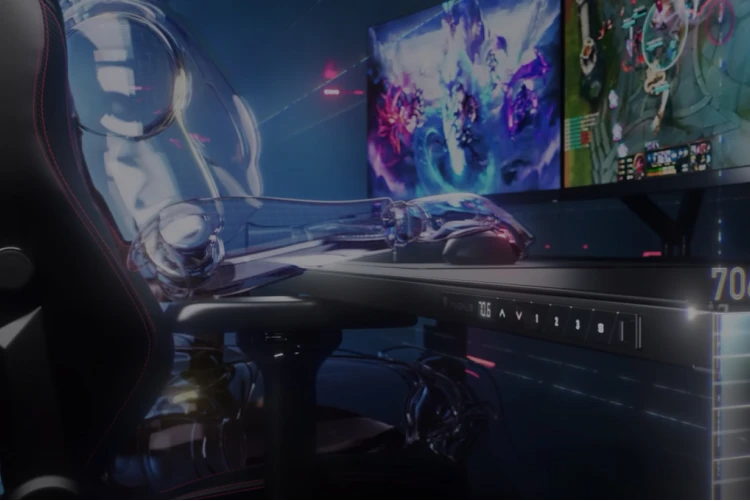
Image: manual
The Secretlab MAGNUS Pro is the strongest pick because cable management is not an afterthought. The desk is built around a rear cable tray, magnetic ecosystem, and a cleaner power path than most standard desks. If your setup has a lot of peripherals, this matters more than RGB strips or an aggressive gaming shape.
The sit-stand design is also useful if you spend long hours at the desk for both work and gaming. You can route cables once and keep the setup tidy while changing height, which is where many cheaper standing desks become frustrating. The MAGNUS Pro also looks more mature than most gaming furniture, so it can fit a home office without shouting.
Drawbacks: it is expensive and works best when you buy into Secretlab’s accessory ecosystem. If you only need a basic desk for a console monitor and one keyboard, it may be more desk than you need.
Best Value Gaming Desk: IKEA UPPSPEL Gaming Desk
Best Budget IKEA UPPSPEL Gaming Desk
Use-Case Evaluation: Best for buyers who want a practical gaming desk from a mainstream furniture brand and prefer simple cable routing over a premium accessory system.
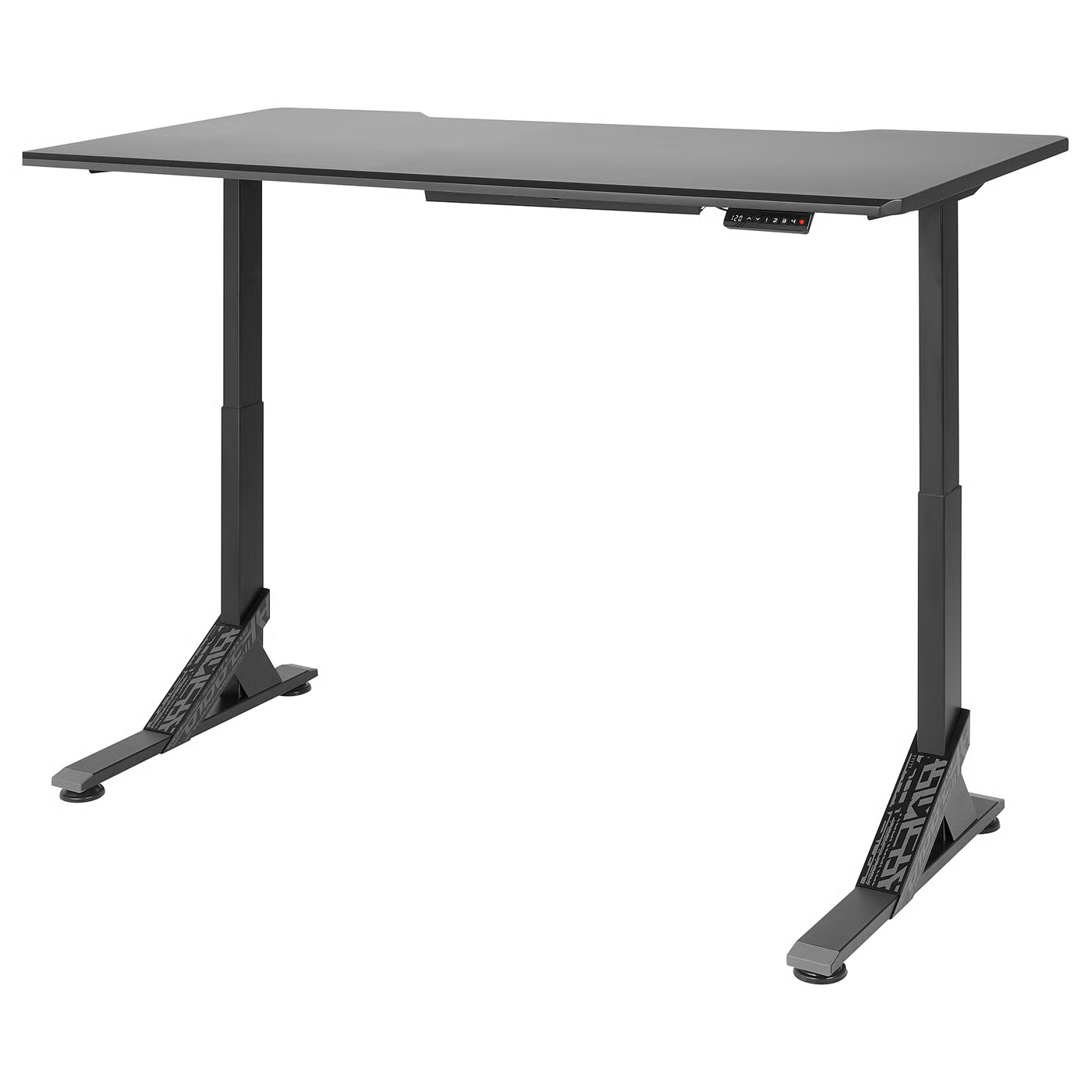
Image: manual
The IKEA UPPSPEL Gaming Desk is the value pick because it gives gamers a deeper, more purposeful surface than a generic office table. It is designed for gaming setups, but it still feels like furniture rather than a prop. That makes it easier to place in a bedroom, apartment, or shared office.
The cable management is simpler than Secretlab’s system, but that can be a benefit if you do not want proprietary accessories. Add a good power strip, a few cable ties, and a monitor arm, and the UPPSPEL can support a tidy setup without premium-desk pricing.
Drawbacks: it is not as polished or integrated as the MAGNUS Pro, and availability can vary by local IKEA stock. The cable setup depends more on how carefully you route and bundle everything yourself.
Best Cheap Gaming Style: Eureka Ergonomic Z1-S
Best Value: Eureka Ergonomic Z1-S
Use-Case Evaluation: Best for younger gamers, spare rooms, and budget builds where a smaller gaming desk with basic cable control is enough.
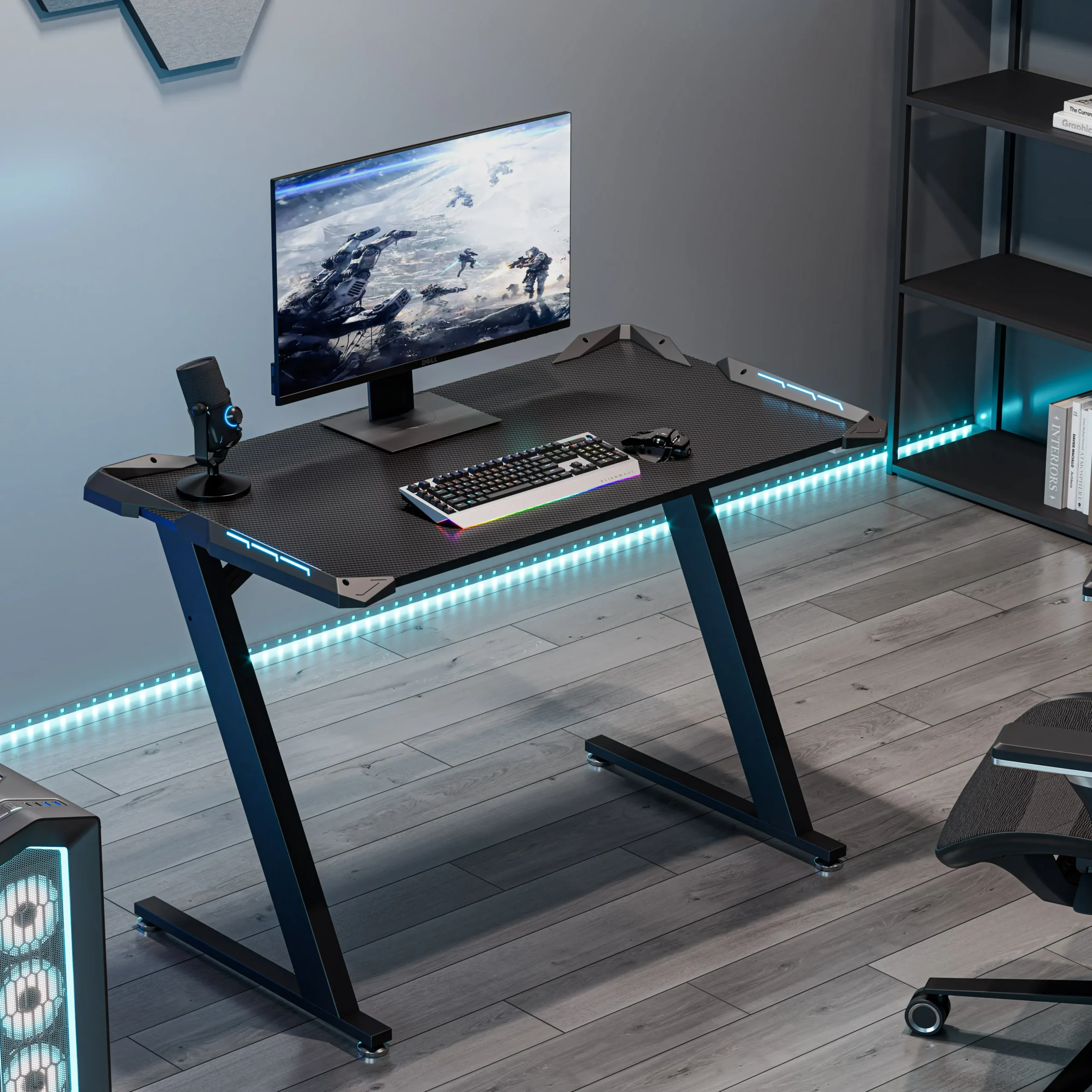
Image: manual
The Eureka Ergonomic Z1-S is the budget gaming-style pick. It is smaller and more aggressive-looking than the other two desks, but it can work well for a single-monitor setup where you want a dedicated gaming desk without moving into premium furniture.
The Z1-S makes the most sense for a compact room, a first gaming setup, or a secondary desk. It is not the desk I would choose for a heavy multi-monitor arm, but it can clean up a simple keyboard, mouse, headset, and console/PC setup if the current price is right.
Drawbacks: the style will not fit every room, and the smaller surface gives you less flexibility for big mouse pads, speakers, or multiple monitors. Cable management is basic compared with the Secretlab and IKEA options.
Comparison Table
| Gaming Desk | Best For | Cable Management Style | Main Strength | Main Trade-Off |
|---|---|---|---|---|
| Secretlab MAGNUS Pro | Clean premium setups | Integrated rear tray and magnetic accessories | Best overall cable system | Expensive |
| IKEA UPPSPEL Gaming Desk | Practical value setups | Simple gaming-desk routing | Mainstream furniture value | Less integrated |
| Eureka Ergonomic Z1-S | Budget gaming rooms | Basic routing and compact frame | Lower-cost gaming style | Smaller surface |
How to Choose a Gaming Desk for Cable Management
Start with desktop depth. A desk that is too shallow forces your keyboard, mouse pad, monitor stand, and cable exits into the same space. For FPS games, depth matters because you need room for mouse movement.
Think about where power lives. The cleanest setup usually puts the power strip in a tray or under the desktop, with only one cable running to the wall. If every charger goes directly to the outlet, the desk will never look clean.
Plan for monitor arms before buying. Some desks have rear lips, cable trays, or thick frames that can make clamp-style arms harder to mount. If you use a heavy monitor arm, check the clamp area carefully.
Leave room for future gear. A desk that barely fits today’s monitor may feel cramped once you add speakers, a charging dock, a stream deck, or a second display.
Cable Setup Tips
Route power first, then data cables. Power bricks and strips are the bulky pieces that decide where everything else can go.
Use short cables where possible. Long USB and display cables create loops that are hard to hide.
Label cables at the power strip. It sounds boring, but it makes troubleshooting much easier when you swap a gaming mouse, headset, webcam, or controller charger.
Keep one easy-access charging cable. Not every cable should be hidden. One visible USB-C cable or controller charger can be useful if it has a clean home.
What We Like
- Secretlab MAGNUS Pro is the cleanest option for a premium multi-device gaming setup.
- IKEA UPPSPEL gives buyers a practical middle ground without locking them into one accessory ecosystem.
- Eureka Ergonomic Z1-S can work for budget setups where a smaller dedicated gaming desk is enough.
What We Don’t
- Premium gaming desks can cost more than the PC accessories sitting on them.
- Budget desks often need extra cable clips, trays, or ties to look clean.
- Monitor arm compatibility is easy to overlook until the desk is already assembled.
FAQ
Is a gaming desk better than a normal office desk?
Only if the gaming desk solves real setup problems. A normal office desk can work well, but gaming desks often add cable routing, headset hooks, deeper surfaces, or monitor-friendly layouts.
Do I need a standing gaming desk?
No, but it can help if the desk doubles as your work setup. If you sit for long sessions, a stable sit-stand desk like the MAGNUS Pro can make the space more flexible.
What is the cleanest way to manage gaming desk cables?
Mount a power strip under the desk or in a rear tray, route monitor and peripheral cables into that area, then run one main power cable to the wall. Cable sleeves and ties help, but the power-strip location matters most.
Should I buy a desk with RGB?
RGB is optional. Cable routing, stability, desktop depth, and monitor-arm compatibility matter more. Add lighting later if the desk already handles the basics.
Final Verdict
For most serious gaming setups, the Secretlab MAGNUS Pro is the best gaming desk with cable management because it treats cable routing as part of the desk’s core design. The IKEA UPPSPEL Gaming Desk is the better value pick if you want a practical mainstream option, and the Eureka Ergonomic Z1-S is the budget gaming-style fallback for smaller setups.
Before buying, check current price, room size, desktop depth, and monitor-arm compatibility. A tidy gaming setup starts with the desk, but it only stays tidy if the cable path is easy to maintain.
References
- Secretlab MAGNUS Pro official product page: https://secretlab.co/products/magnus-pro
- IKEA UPPSPEL Gaming Desk official product page: https://www.ikea.com/us/en/p/uppspel-gaming-desk-black-s59430197/
- Eureka Ergonomic Z1-S official product page: https://eurekaergonomic.com/products/gaming-desk-z1-s-44-rgb-gaming-desk-erk-edk-z1s
- Wirecutter desk setup and cable management guidance: https://www.nytimes.com/wirecutter/reviews/best-standing-desk/
GearLab recommendations are based on product specs, buyer-use cases, drawbacks, and real-world setup notes. Affiliate links do not change our picks.
As an Amazon Associate, we earn from qualifying purchases. Product prices and availability are accurate as of the date/time indicated and are subject to change.