
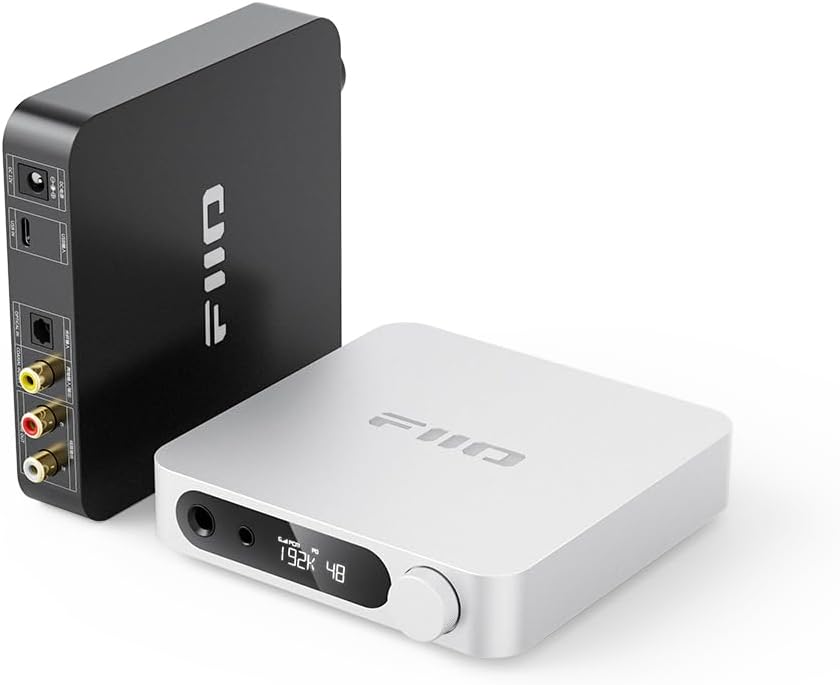
Quick Answer
Buy a desktop DAC/amp only when the current source is noisy, lacks the required connection, or cannot drive the headphone to a comfortable level. The FiiO K11 offers broad desktop connectivity, the Topping DX1 is a simpler entry option, and the JDS Labs Atom separates provide more upgrade flexibility. Verify the current model revision and output requirements before buying.
Research Basis and Limitations
This refresh compares manufacturer specifications, manuals, connection requirements, support documentation, and buyer-use constraints. GearLab did not perform a controlled listening test or laboratory measurement for this update. Sound, comfort, fit, room behavior, and wireless stability remain user- and setup-dependent, so the recommendations below are decision guidance rather than claims of personal ownership or testing.
Evaluation Method
We compared official product pages, connection requirements, manufacturer support information, practical setup constraints, and explicit tradeoffs. Legacy editorial scores, retailer-review averages, and unsourced listening descriptions are excluded from this recovery draft.
Documented Options
The following official pages establish the model identity and the information that should be checked before purchase. Their inclusion is not a GearLab ranking:
- FiiO K11 specifications
- Topping DX1 product and manual page
- JDS Labs Atom Amp 2 and Atom DAC 2 technical introduction
- iFi ZEN DAC 3 product information
Option: fiio k11
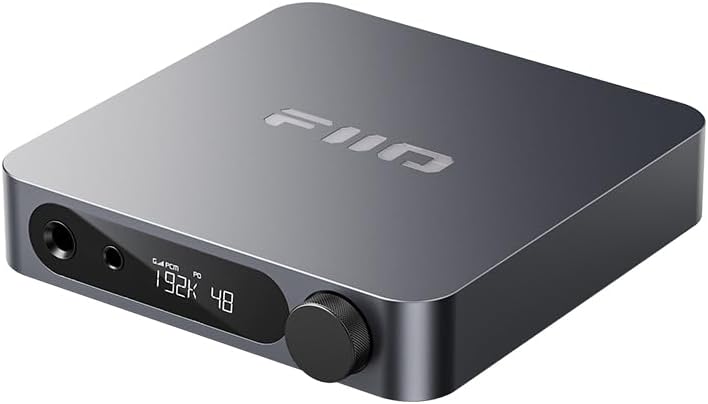
This existing product image is retained as a visual identification reference. It does not establish sound quality, measured performance, current availability, included accessories, or comparative rank. Verify the exact model and current package contents on the official source page.
Option: jds labs atom stack (atom 2 dac + atom 2 amp)
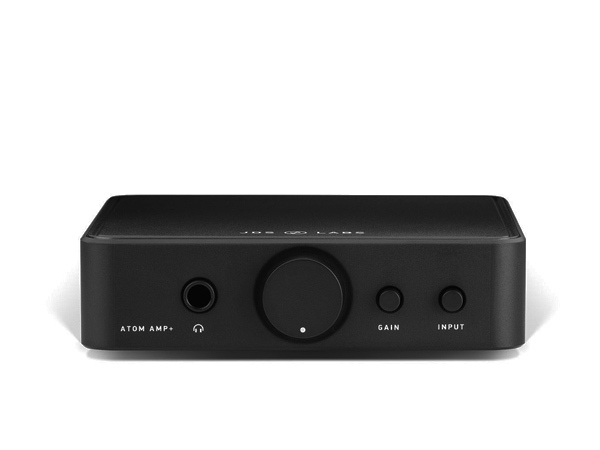
This existing product image is retained as a visual identification reference. It does not establish sound quality, measured performance, current availability, included accessories, or comparative rank. Verify the exact model and current package contents on the official source page.
Option: ifi zen dac 3
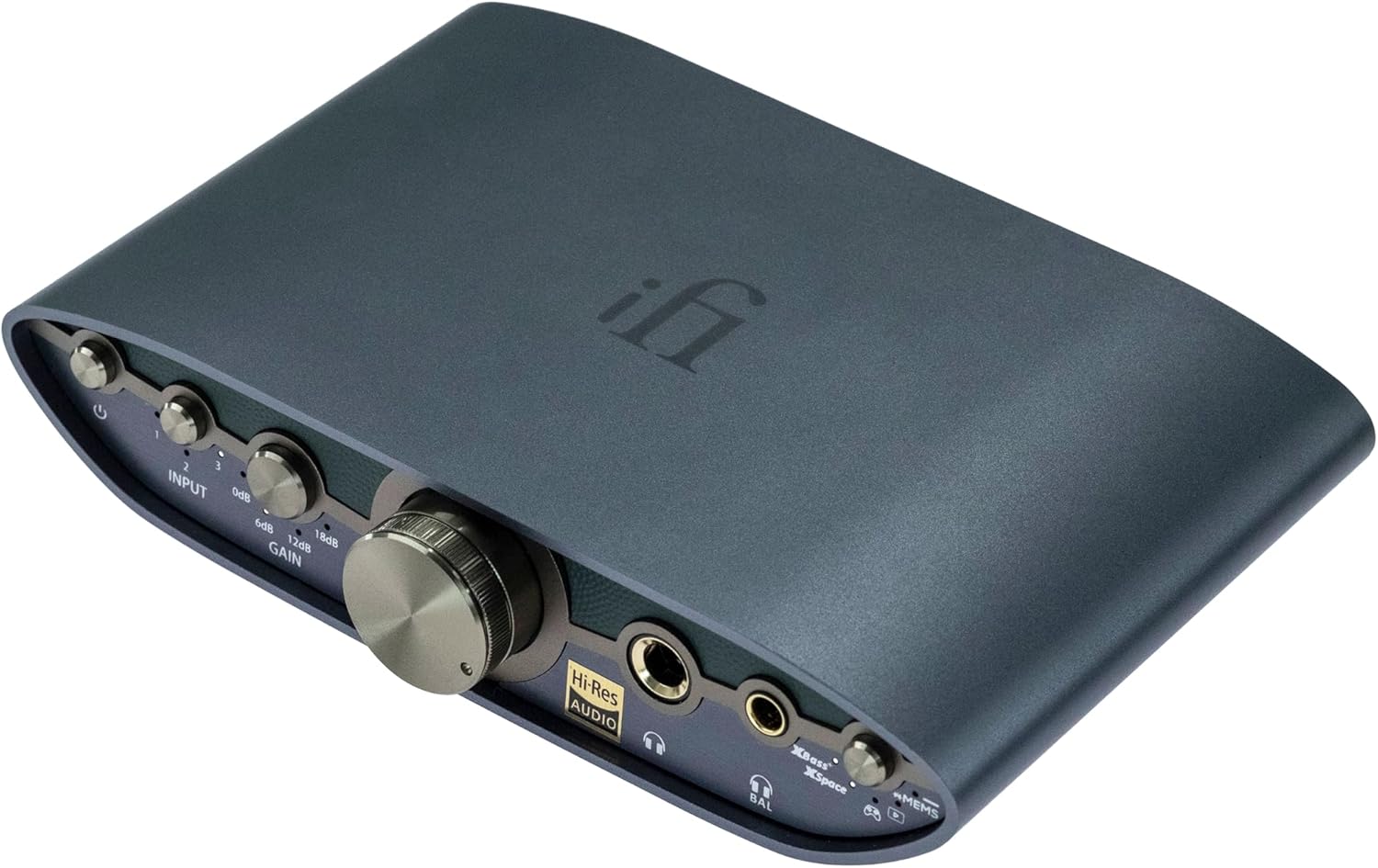
This existing product image is retained as a visual identification reference. It does not establish sound quality, measured performance, current availability, included accessories, or comparative rank. Verify the exact model and current package contents on the official source page.
Topic-Specific Verification
For a DAC or headphone amplifier, start with the source inputs and headphone outputs rather than a claimed sound signature. Confirm USB, optical, coaxial, line output, preamp behavior, gain settings, power supply, operating-system support, and the connector used by the headphone. A balanced connector is not automatically better; it is useful only when the device, cable, and headphone wiring are compatible.
Published power figures are not directly comparable unless load, output, gain, and distortion conditions match. Use the headphone manufacturer’s sensitivity and impedance information, then choose enough output headroom without treating unused amplifier power as a sound-quality benefit. Check whether rear outputs are fixed or volume controlled before attaching powered speakers.
Buyer Verification Checklist
Confirm the exact model
Match the full model name and revision on the product page, packaging, and seller listing. Similar names can refer to different generations, regional versions, included accessories, or connection sets. The official pages used for this refresh are: FiiO K11 specifications, Topping DX1 product and manual page, JDS Labs Atom Amp 2 and Atom DAC 2 technical introduction, iFi ZEN DAC 3 product information.
Check compatibility before performance claims
List the required source, cable, output, operating system, room position, and control method. Then remove any option that cannot satisfy those requirements. This prevents a high feature count from hiding a missing input, unsupported codec, unsuitable physical size, or required companion app.
Treat specifications as boundaries
Manufacturer specifications can confirm a connector, supported mode, physical dimension, or included accessory. They do not prove comparative sound quality, comfort, long-term durability, room behavior, or call quality for every user. Those outcomes require controlled evidence that is not claimed in this draft.
Check current availability and support
Verify that the exact model remains sold and supported in the buyer’s region. Review the current warranty, return window, replacement-part availability, firmware or app requirements, and seller identity. A discounted older model can still be reasonable, but only when missing support and accessories are understood before purchase.
Use a reversible first setup
Keep packaging and accessories until compatibility is confirmed. Start with default settings, one known source, moderate volume, and the shortest practical signal path. Change one setting at a time and document it. If a problem appears, this makes it easier to distinguish a cable, source, format, pairing, placement, or product issue.
Decide by tradeoff, not by a score
The useful comparison is the drawback that affects the intended setup. A larger device may add connections but consume desk space. A wireless option may improve mobility but add charging and pairing. A specialized design may suit one room while being inconvenient elsewhere. This recovery draft intentionally omits GearLab ratings because no controlled comparative test supports them.
Decision Tradeoffs
Strengths to verify
A useful strength is a documented feature that solves a stated requirement: the correct input, a suitable physical format, an included accessory, a supported operating mode, or a service policy that reduces purchase risk. Confirm it on the exact regional model page rather than relying on a similar product name or an old retailer description.
Drawbacks to verify
Check missing inputs, required apps or accounts, non-replaceable batteries or parts, limited passive operation, proprietary cables, physical clearance, and support status. Subjective sound, comfort, isolation, call quality, and room behavior are not scored here because this recovery did not include controlled comparative testing.
Related Audio Decisions
Before buying more electronics, decide whether the headphone itself is the real bottleneck. Our guide to wired versus wireless headphones for music quality explains when a cable-based desktop chain is worthwhile. Office users should also compare closed-back and open-back headphones, while recording users may prefer one of the budget over-ear headphones for music production.
Use-Case Evaluation
A desktop DAC/amp is most useful when a computer has audible noise, lacks the required output, or cannot provide comfortable volume for a particular headphone. It is not a guaranteed sound-quality upgrade for easy-to-drive headphones connected to a clean modern source. Match outputs, inputs, headphone impedance, sensitivity, desk space, and operating-system support before comparing headline power figures.
FAQ
How do I know whether my headphones actually need an amplifier?
Start with the headphone sensitivity and impedance, then check whether the current device reaches a comfortable level without distortion or channel imbalance. Low volume alone is a better warning sign than impedance by itself.
Does extra DAC/amp power improve audio performance?
No. Extra power provides headroom for demanding headphones, but unused power does not automatically improve sound. Clean output, suitable gain, connections, and volume control are usually more relevant.
Can one DAC/amp drive headphones and powered speakers?
Some can, if they provide a line or preamp output and a convenient output switch. Verify whether the rear output is fixed or volume-controlled before connecting powered monitors.
Should I buy a combo unit or a separate DAC and amplifier?
A combo saves space and cables. Separates are easier to replace independently and may provide more inputs or power, but they cost more desk space and require additional interconnects.
Sources and Verification
- FiiO K11 specifications
- Topping DX1 product and manual page
- JDS Labs Atom Amp 2 and Atom DAC 2 technical introduction
- iFi ZEN DAC 3 product information
Specifications and availability can change. Check the linked manufacturer page and the seller’s current return and warranty terms before buying.
Final Verdict
Choose the option that satisfies the documented connection, fit, support, and use-case requirements with acceptable drawbacks. Do not use the former editorial scores or unsupported listening claims as evidence. Recheck the official product page, current availability, and return terms immediately before purchase.