
Quick Answer: The best webcam under $50 for most Zoom calls is the NexiGo N60 because it gives you a clean 1080p image, a useful privacy cover, and a wide enough view for a home desk without making the picture look too stretched. If you want the safest low-cost pick from a major brand, the Logitech C270 is still the simple choice, but its 720p image is better for basic calls than polished presentations.
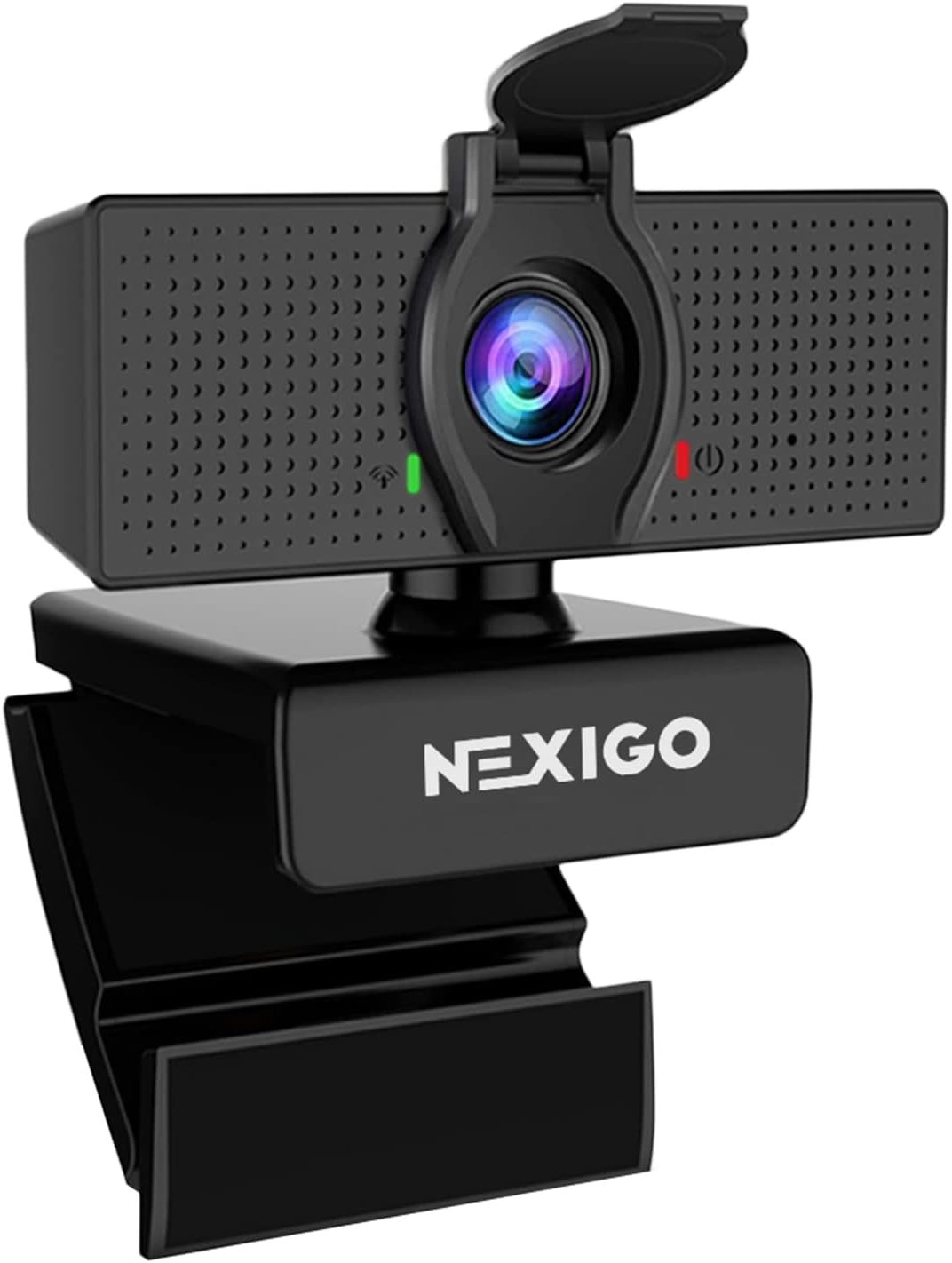
Image: amazon
Budget webcams have improved, but the under-$50 range still has trade-offs. The main thing to avoid is buying only by resolution. A soft 1080p webcam with bad exposure can look worse than a sharper 720p camera in a well-lit room. For Zoom, Teams, Google Meet, and online classes, the best value comes from a webcam that handles face exposure, stays stable on a monitor, and does not need extra software just to look acceptable.
Table of Contents
What We Looked For
For this guide, GearLab prioritized webcams that make sense for everyday video calls rather than streaming. That means plug-and-play setup, clear enough video at normal desk distance, usable built-in audio as a backup, and a mount that works on a laptop or monitor.
The most important test note: lighting matters more than the spec sheet. A $35 webcam facing a window or small desk lamp will usually beat a more expensive camera in a dim room.
Best Overall: NexiGo N60
Best for: most home-office Zoom users who want 1080p without spending much.
The NexiGo N60 is the easiest under-$50 recommendation because it usually delivers the right balance: 1080p video, a privacy cover, and a field of view that works for one person at a desk. It is not a premium camera, and it can still look noisy in a dark room, but it gives most people a noticeably cleaner picture than the tiny webcam built into an older laptop.
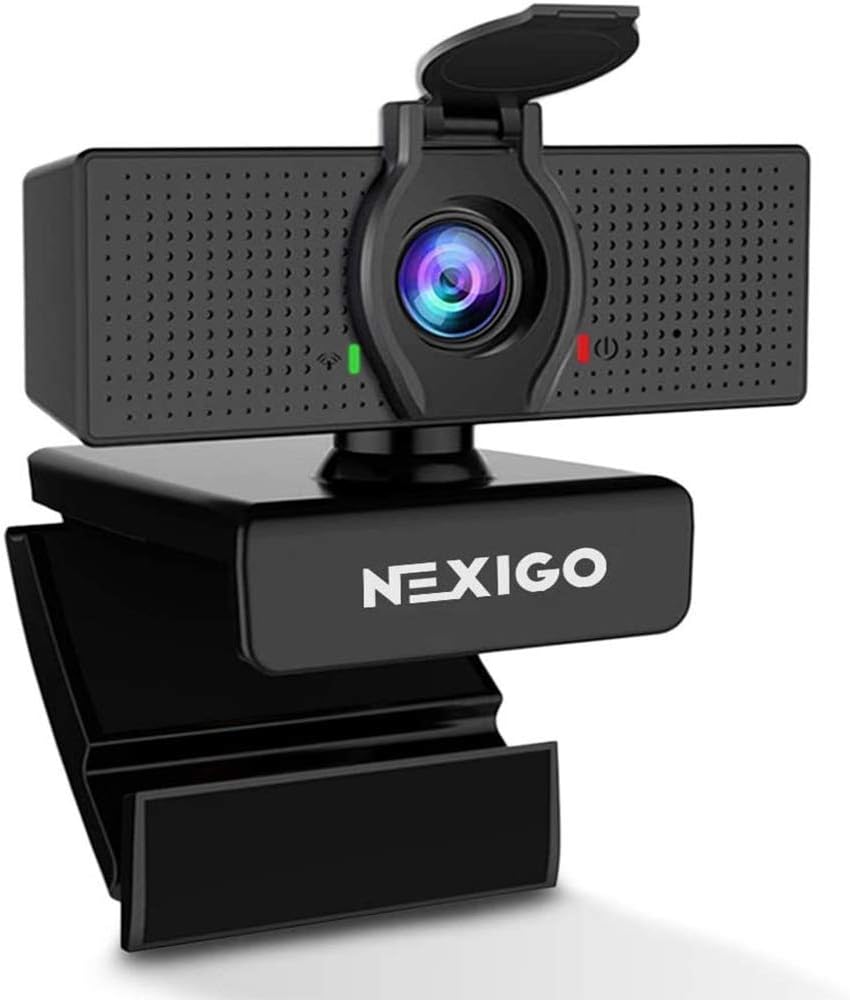
Image: amazon
The wide view is useful if you want a little room around your shoulders, though it can show more of your background than you expect. If your desk is messy or your monitor is close to your face, crop the frame in Zoom or place the webcam slightly farther back.
Drawbacks: exposure can shift when a bright window is behind you, and the built-in microphone is fine for backup audio, not a replacement for a headset or USB mic.
Best Simple Pick: Logitech C270
Best for: basic video calls, online classes, and buyers who want a familiar brand.
The Logitech C270 is not the sharpest webcam here, but it remains one of the most reliable cheap options. It is a 720p camera, so it will not look as crisp as a good 1080p model, but it is simple, light, and easy to use. For quick Zoom calls where stability matters more than detail, that simplicity is a real advantage.
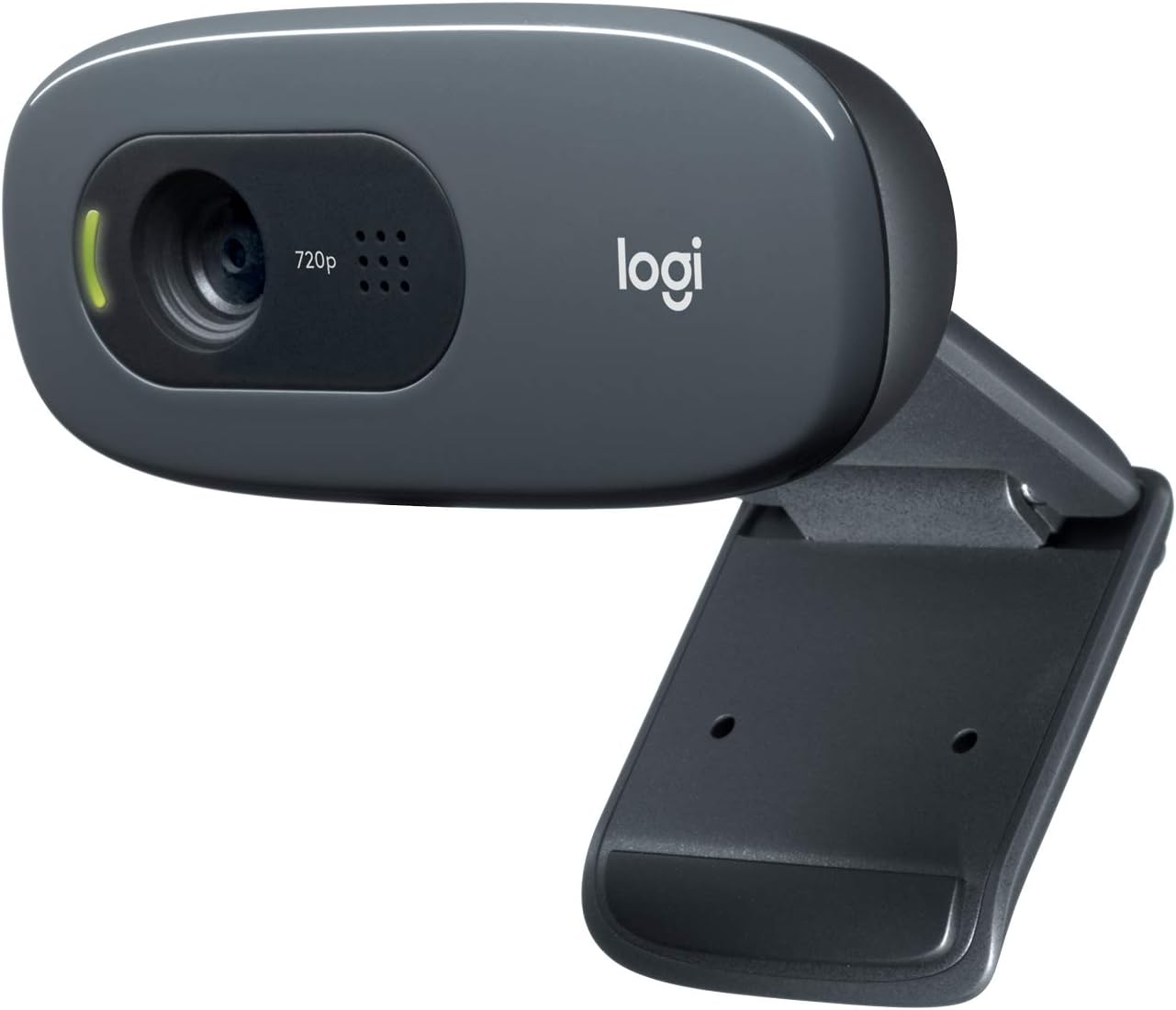
Image: amazon
This is the pick I would choose for a secondary desk, a student laptop, or a family computer where nobody wants to tune settings. It is also a good fallback if cheaper unknown webcams make skin tones look too strange.
Drawbacks: the lower resolution is noticeable on larger screens, and there is no built-in privacy shutter on many versions.
Worth Watching on Sale: Anker PowerConf C200
Best for: buyers who can stretch slightly above $50 or catch a sale.
The Anker PowerConf C200 is often outside the strict under-$50 range, but it is worth watching because sale prices can bring it close. It has a sharper sensor class than most budget webcams, and the picture usually looks more polished for work calls. If your job depends on video meetings every day, spending a little more can be easier to justify than fighting a soft webcam for a year.
Drawbacks: it may not qualify as an under-$50 buy at normal pricing, so check the current price before treating it as the budget winner.
Comparison Table
| Webcam | Best Use | Video Class | Main Strength | Main Trade-Off |
|---|---|---|---|---|
| NexiGo N60 | Most home-office calls | 1080p | Good value and privacy cover | Can show too much background |
| Logitech C270 | Basic calls and students | 720p | Reliable, simple setup | Softer image |
| Anker PowerConf C200 | Sale-price upgrade | 2K class | Sharper work-call image | Often costs more than $50 |
How to Make a Cheap Webcam Look Better
Put the light in front of you, not behind you. A window behind your monitor or a small lamp bouncing off a wall will do more than most webcam upgrades.
Raise the webcam to eye level. If the camera points up from a laptop hinge, even a good webcam looks worse.
Use a headset if the room echoes. Budget webcam microphones are usable in quiet rooms, but they pick up keyboard noise and room reflections.
Clean the lens. It sounds obvious, but fingerprints and dust make many webcams look softer than they really are.
Final Verdict
For most people shopping under $50, the NexiGo N60 is the strongest starting point because it gives you 1080p video, a privacy cover, and an easy plug-and-play setup. The Logitech C270 is the safer basic pick if you care more about reliability than sharpness. If the Anker PowerConf C200 drops near your budget, it is the upgrade I would watch for work-heavy Zoom use.
References
- Logitech C270 HD Webcam product information: https://www.logitech.com/en-us/products/webcams/c270-hd-webcam.html
- NexiGo N60 product information: https://www.nexigo.com/products/nexigo-n60-1080p-webcam
- AnkerWork PowerConf C200 product information: https://www.ankerwork.com/products/a3369